How to Roll Out an AI Voice Assistant, Step by Step
A step-by-step rollout that reduces missed calls, speeds up follow-up, and increases booked jobs.
Your phone rang 11 times yesterday while you were on a job site.
By the time you checked your messages, two of those callers had already moved on. One booked with a competitor. The other just gave up.
You didn't lose those jobs because you're bad at what you do. You lost them because you can't be in two places at once.
Service businesses don't usually lose jobs because they lack demand. They lose jobs because leads slip through cracks—missed calls, after-hours inquiries, slow follow-up, and messy handoffs.
AI voice agents can fix that—if you implement them as a system (not a gadget).
This guide walks you through a practical rollout plan that protects customer experience while improving lead capture and scheduling.
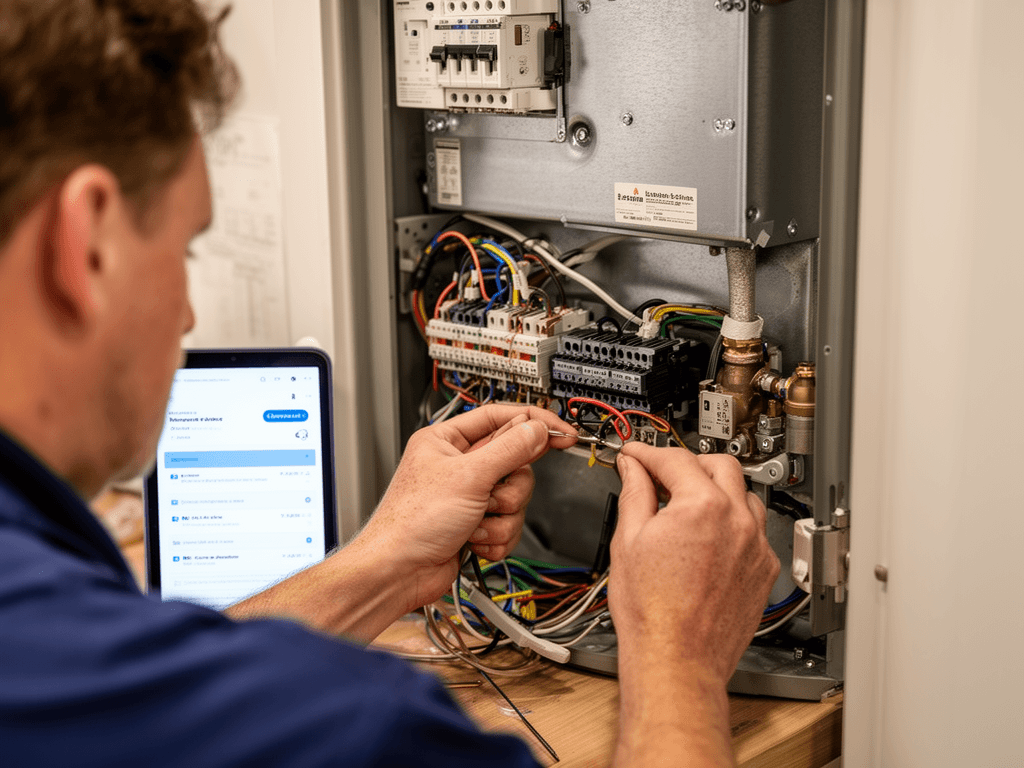
What is an AI voice agent?
An AI voice agent is a phone-based assistant that can talk to callers and complete specific tasks, such as:
- Answering common questions (hours, service area, basic pricing ranges)
- Capturing lead info (name, address, issue, urgency)
- Offering appointment options or next steps
- Routing calls (emergency vs non-emergency, new vs existing)
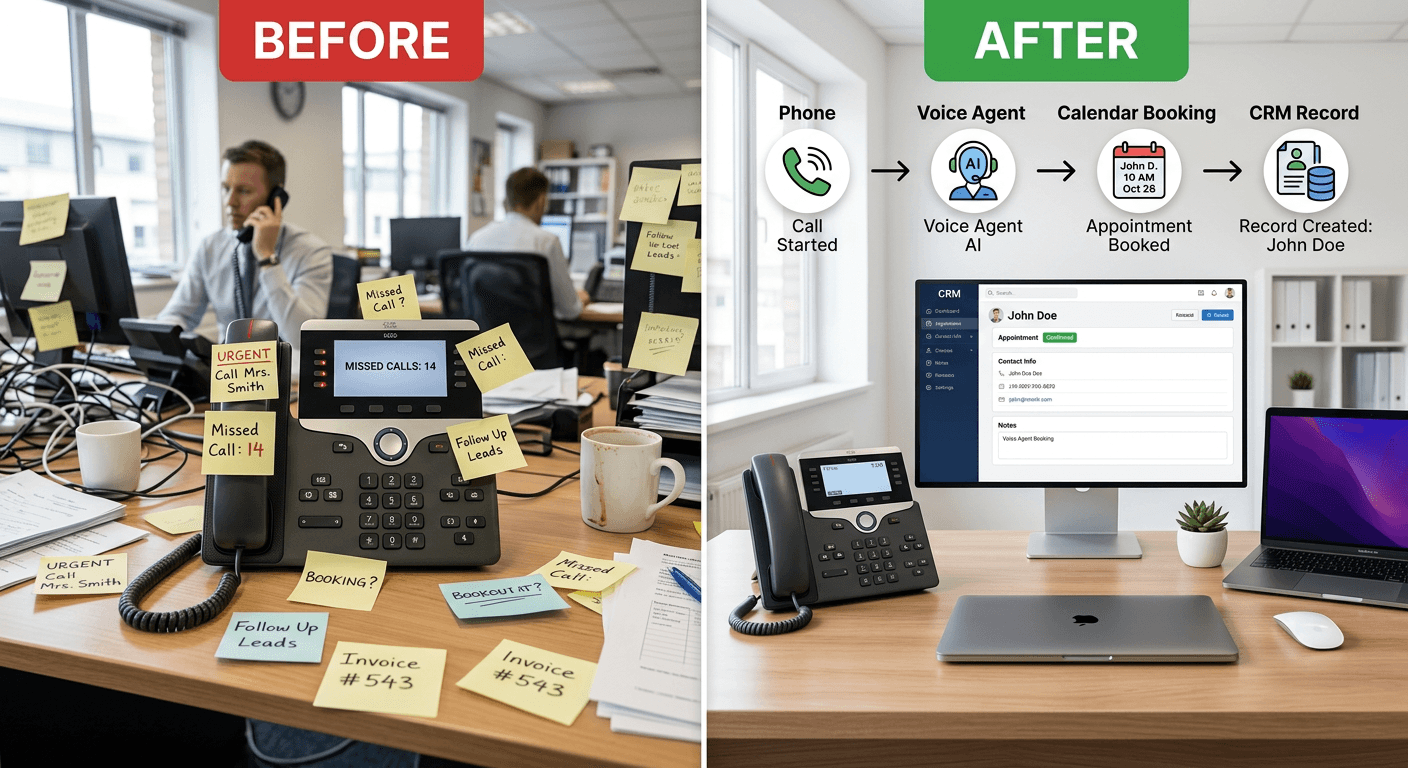
- Following up on missed calls or after-hours leads
Think of it as a trained front desk assistant that helps you catch and qualify calls when your team can't.
Step 1: Choose one use case (don't start with "everything")
Most failed rollouts try to build a full AI call center on day one.
Start with one high-impact scenario like:
- After-hours lead capture
- Missed call recovery
- Overflow call handling during peaks
- Simple appointment booking for one service type
- FAQ + routing to the right person
Pick the scenario where you're currently losing the most opportunities. That's where you'll see results fastest.

Once you've chosen a platform, collaborate with your IT team or a specialized vendor to ensure seamless integration. This partnership will be vital for troubleshooting and optimizing the voice agent's performance.
Step 2: Map your current call flow (your real one)
Before you build anything, get clear on what's actually happening:
- When do calls spike?
- Where do callers drop off?
- What are the top 10 questions you hear daily?
- What happens after hours?
- What happens when nobody answers?
- How do you currently schedule (calendar, CRM, dispatch)?
Even a simple call-flow map is enough to start. If your process is unclear, your voice agent will be unclear.

Step 3: Define success in one sentence
Write a single sentence that defines the agent's job.
Examples:
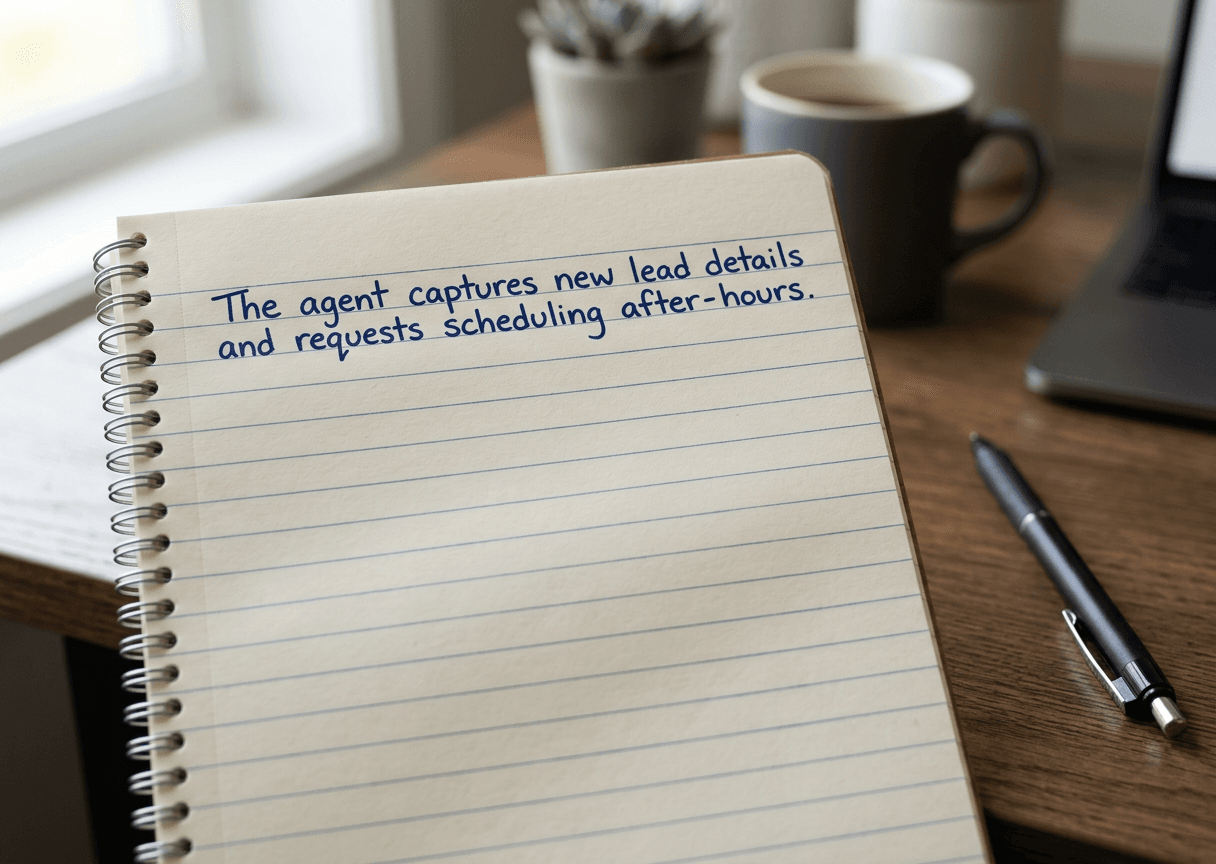
- "Capture after-hours leads and request scheduling for the next business day."
- "Route urgent calls to on-call and capture details for everything else."
- "Book estimates for qualified leads and hand off complex calls to a human."
This prevents feature creep and keeps the agent focused.
Step 4: Choose a platform based on your workflow
Don't choose based on brand recognition—choose based on what your business needs.
Minimum requirements for most service businesses:
- Easy call routing and business hours logic
- Ability to capture and confirm contact details
- Logging/transcripts and call outcomes
- CRM and/or calendar integration
- Reporting on outcomes (booked, captured, transferred)
If you can't track outcomes, you can't improve performance.

Step 5: Design the conversation like a real front desk
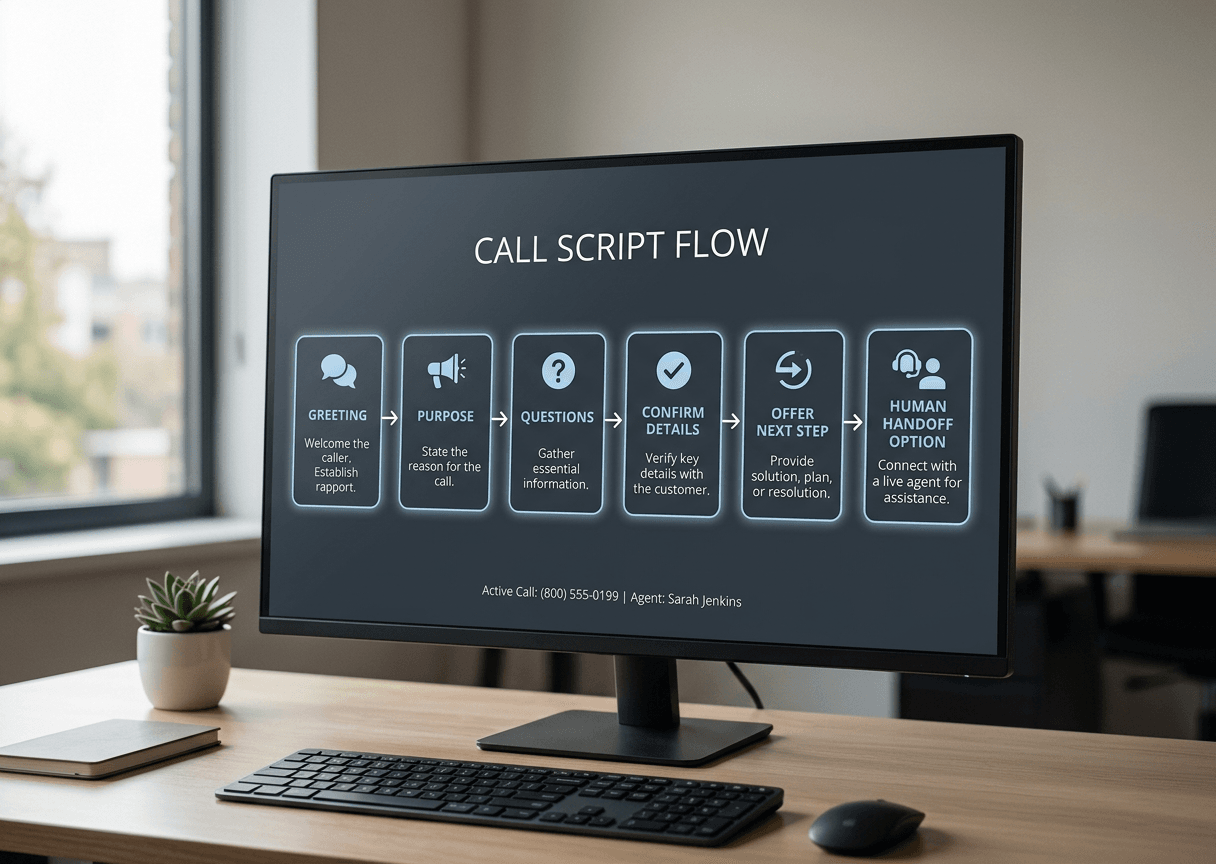
Voice agents work best when they're structured and simple:
- Clear greeting + purpose
- One question at a time
- Confirm key details (name, number, address, issue)
- Offer a next step (schedule, callback window, transfer)
- Fast escape hatch to a human
Rule of thumb: if the caller is confused twice, escalate to a human.
Implementing voice agent technology can transform the way your service business operates, providing significant benefits in efficiency and customer satisfaction. By following these steps, you'll be well on your way to successfully integrating this powerful tool into your operations.
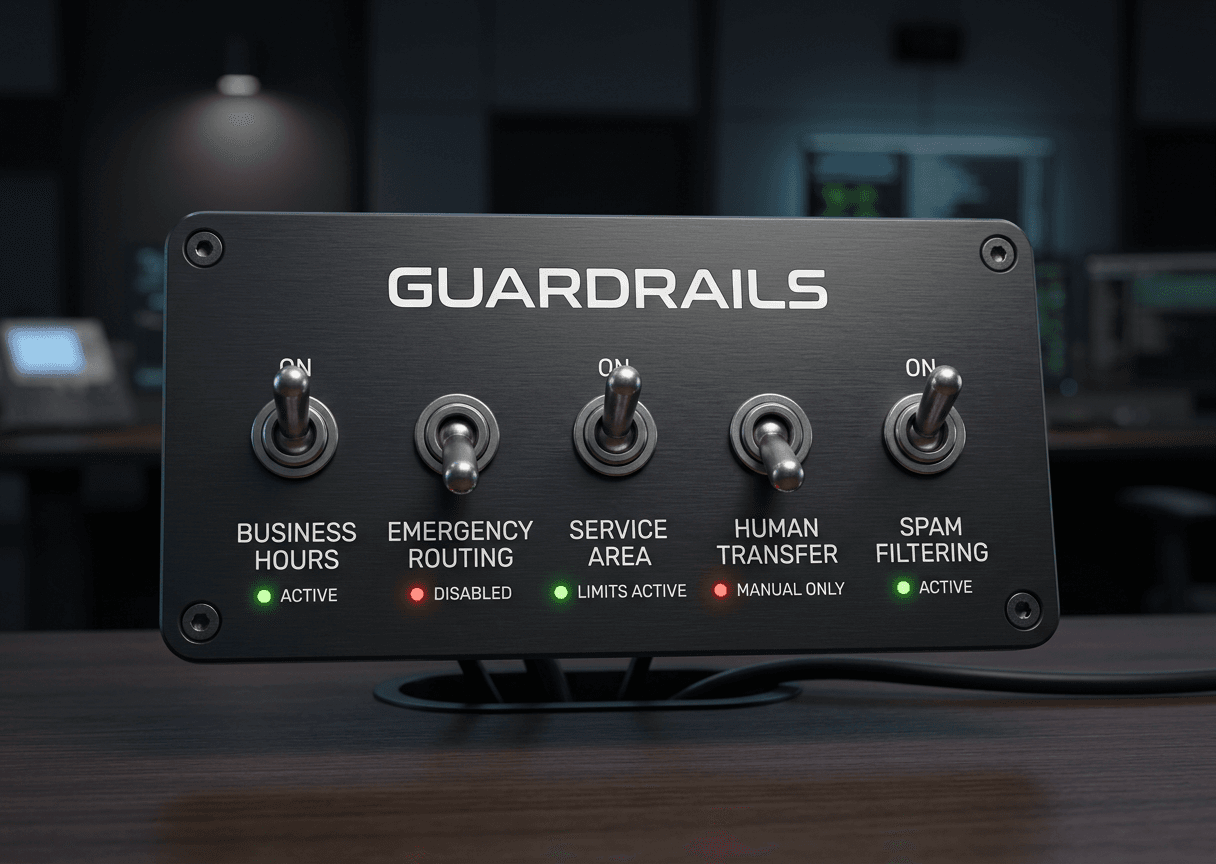
Step 6: Add guardrails (reliability beats "smart")
Guardrails protect your customer experience and your schedule.
Common guardrails:
- Business hours and after-hours behavior
- Service-area checks (don't schedule what you can't serve)
- Emergency triage rules
- Spam/bot filtering and call blocking
- Transfer rules (when to hand off to a person)
A great voice agent isn't just natural—it's predictable and safe.
Step 7: Pilot first, then expand
Start small. A clean pilot beats a messy full launch.
A good pilot looks like:
- One phone number or call type
- One location (if you have multiple)
- One time window (after-hours is ideal)
- One metric (captured leads, booked appointments, recovered missed calls)
Review calls, tighten the script, and only then expand scope.

Step 8: Train your team so they support it
If your team feels surprised by the voice agent, adoption will drag.
Make sure staff knows:
- What the agent handles
- What it doesn't handle
- How to take over a call
- How to fix scheduling mistakes
- How feedback gets incorporated
Frame it correctly:
Instead of: "This AI will handle calls now."
Try: "This tool catches the calls we can't get to—so you can focus on the customers in front of you."
Position it as: less chaos, fewer repetitive calls, fewer missed opportunities.

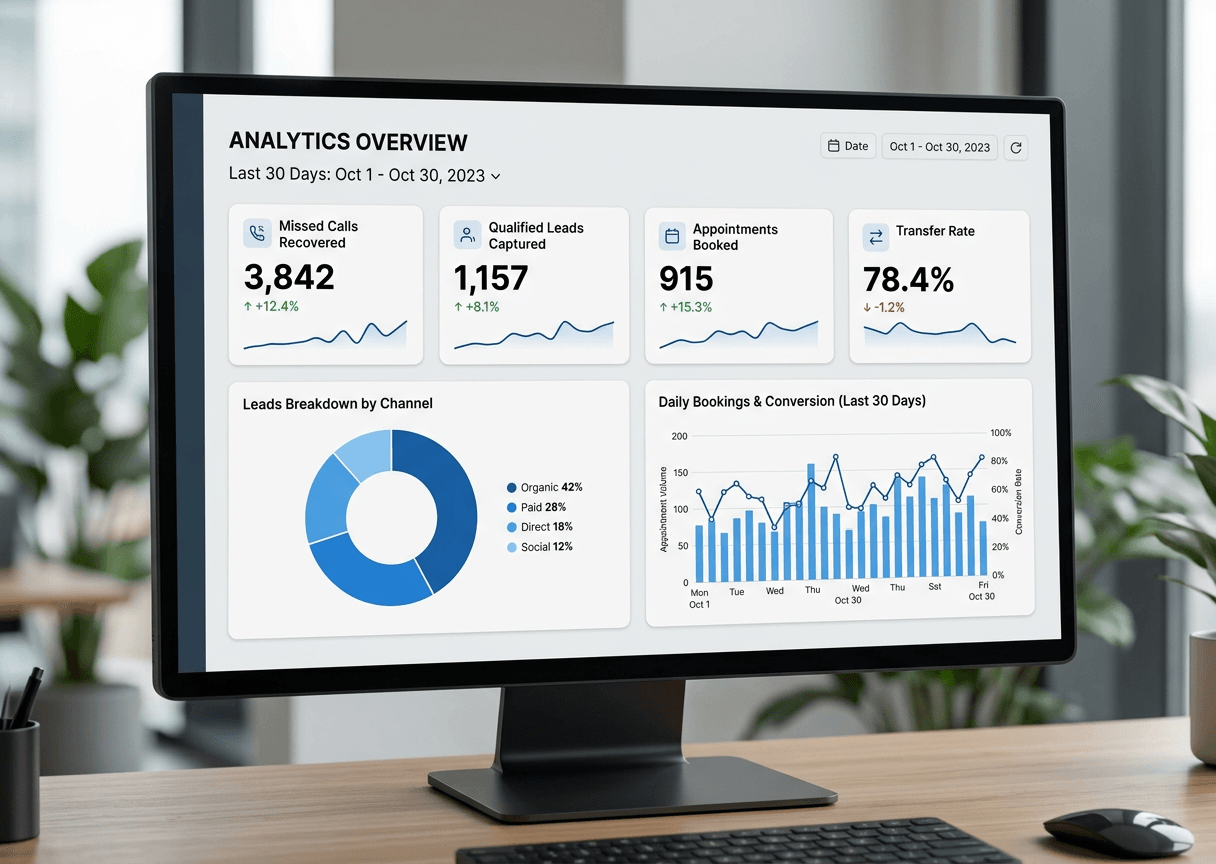
Step 9: Track outcomes (not vanity metrics)
Avoid getting stuck on "calls handled."
Track:
- Missed calls recovered
- Leads captured with complete info
- Appointments requested/booked
- Transfer-to-human rate
- Drop-off points (where callers hang up)
- Overall booking improvements
Weekly Dashboard Check:
□ Calls handled vs. transferred
□ Leads captured with complete info
□ Appointments requested
□ Caller hang-up rate
□ Follow-up completion rate
Then improve weekly for the first 30 days.
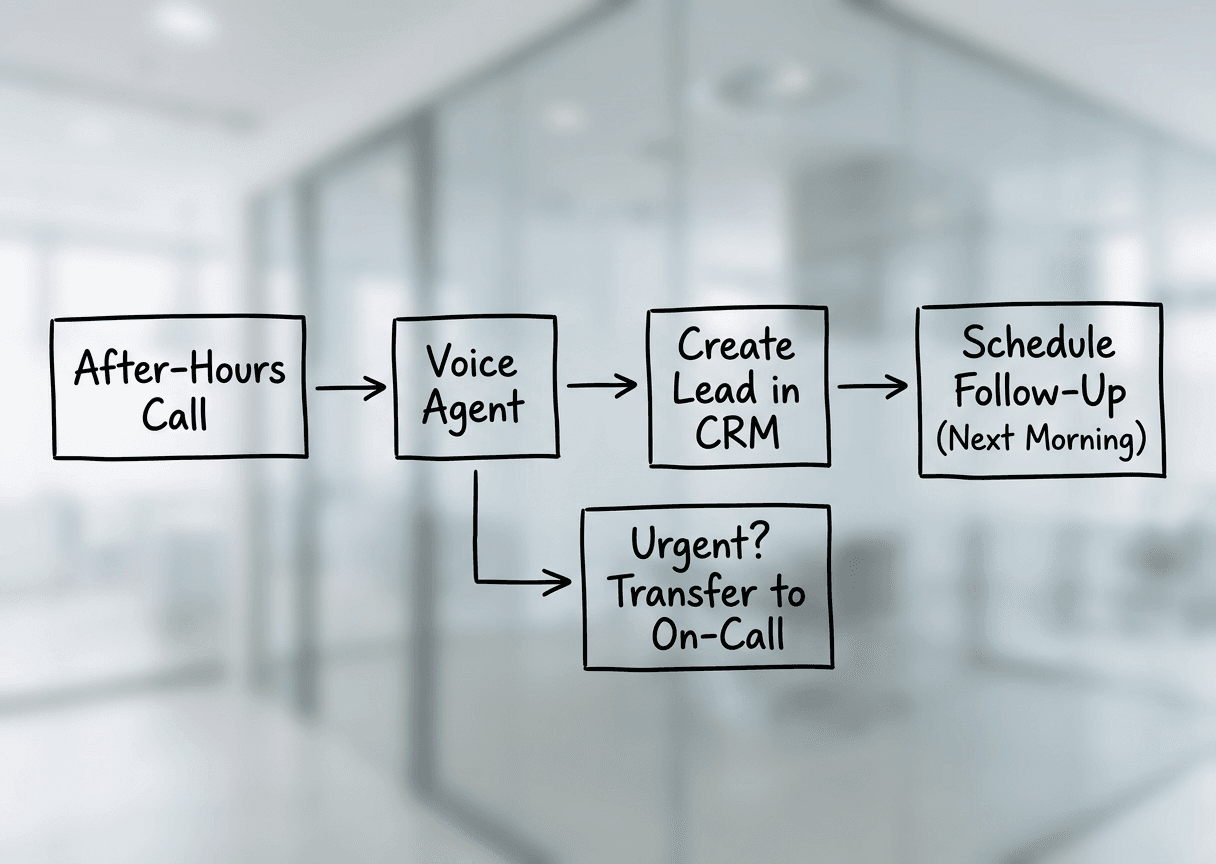
Best place to start: after-hours + missed calls
If you want the simplest, highest-impact rollout:
Start with after-hours and missed call recovery .
That's where most service businesses lose the most opportunities—quietly, consistently, and without a clear process.
If you can capture those leads, confirm details, and tee up scheduling for the next morning, you've already changed your business.
Want help implementing this?
Start with a simple "call flow + guardrails" build and a 7–14 day pilot.
👉 Book an implementation consult Work With Me
This is one example of how Rise Vista works. We help growing businesses find where they are losing revenue, time, and opportunity, then fix it with practical AI and automation. AnswerCapture is our specialized call-capture offering. If you're not sure where to start, tell us where work gets stuck. Let's Talk About Your Business: https://risevista.io/contact